
code128 Barcode Generator
Scroll down to see creative Barcodes ideas


I'm new to Barcodes. What should I know?
Glad you asked! Here is a few basics to get you started.

A barcode is a machine-readable representation of data that is used to identify and track items in various industries. Typically, barcodes are a series of parallel lines of varying widths, but they can also include numbers and characters.
Barcodes are used in various industries such as retail, logistics, healthcare, and manufacturing. They help with inventory management, sales tracking, product identification, and even patient identification in hospitals.
Barcodes improve efficiency and accuracy by automating data entry, reducing human error, speeding up processes like checkout and inventory tracking, and enabling better data management and decision-making.
Barcodes can be scanned using barcode scanners or devices with built-in scanning capabilities, such as smartphones with a barcode scanning app. Point the scanner or camera at the barcode, and the encoded data will be read instantly.
How do I create a free Barcode?
We'll show you how in just three simple steps
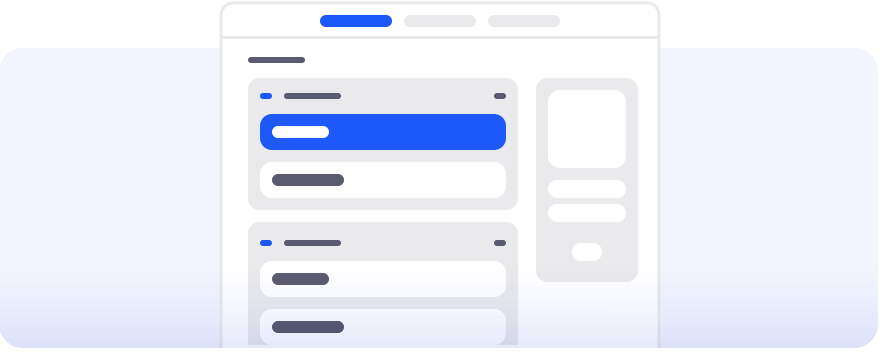
Select a Barcode Type
Choose the type of barcode you need, such as UPC, EAN, Code 128, based on your requirements.
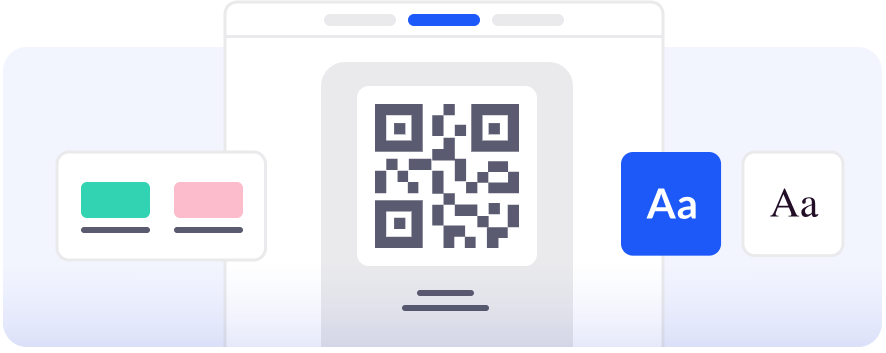
Customise and design it as you like
Fill in all the information and use our Barcode generator to get a unique design.
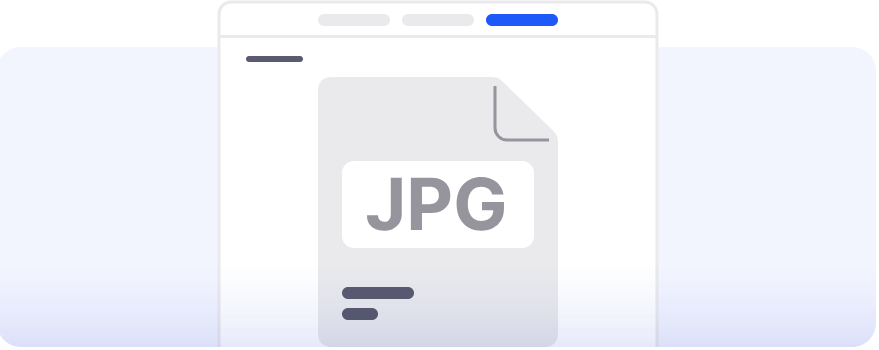
Download your Barcode
Get your Barcode in different formats (png, svg), print it or show it in a digital format and voila!
What type of Barcodes can I create for free?
We offer these Static Barcodes that are completely for free and will never expire. Once generated, it's yours forever and you will be able to edit the content or track its scans.
CODE128 Barcode Generator
A high-density linear barcode supporting both alphanumeric and numeric data.
CODE128A Barcode Generator
Supports uppercase letters, numbers, and control characters.
CODE128B Barcode Generator
Supports upper/lowercase letters and numbers.
CODE128C Barcode Generator
Optimized for numeric data (even number of digits required).
CODE39 Barcode Generator
Widely used barcode supporting uppercase letters, numbers, and symbols.
EAN13 Barcode Generator
Standard retail barcode (13-digit numeric).
EAN2 Barcode Generator
2-digit supplemental barcode for magazines.
EAN5 Barcode Generator
5-digit supplemental barcode for pricing/book info.
EAN8 Barcode Generator
Compact retail barcode for small products.
GenericBarcode Barcode Generator
General-purpose barcode format.
ITF Barcode Generator
Used in logistics (numeric only, even length).
ITF14 Barcode Generator
Used for shipping cartons (14 digits).
MSI Barcode Generator
Used in inventory systems.
MSI10 Barcode Generator
MSI with Mod 10 checksum.
MSI1010 Barcode Generator
MSI with double Mod 10 checksum.
MSI11 Barcode Generator
MSI with Mod 11 checksum.
MSI1110 Barcode Generator
MSI with Mod 11 + Mod 10 checksum.
UPC Barcode Generator
Used widely in retail (12-digit code).
UPCE Barcode Generator
Compressed UPC for small products.
codabar Barcode Generator
Used in libraries and logistics with start/stop characters.
pharmacode Barcode Generator
Used in pharmaceutical packaging.
Have more questions?
Find answers to the most common questions about generating and using Barcodes.
Basic
All of our barcodes are free to generate. This includes standard formats like UPC, EAN, Code 39, Code 128, and others. Once created, they are yours to use as needed.
Yes, you can create barcodes without signing up. Our tool allows you to generate, customize, and download barcodes instantly without requiring an account.
Absolutely! You can use them for any personal or business purpose.
Barcodes can store various types of information, depending on your needs. For example, they can encode product IDs, serial numbers, pricing information, or inventory data, making it easier to track and manage items in a variety of industries.
Barcodes do not expire and remain valid as long as the encoded data remains relevant.
After signing up, you can access all features of our generator for free. You can create all types of barcodes, customize designs, save templates, and download them in various formats for easy printing and integration.
Creating & Designing
Yes. Barcodes come in various formats like UPC, EAN, Code 39, Code 128, and others. Each format serves different purposes and can represent the same data in distinct ways depending on your use case.
Definitely! After signing up for an account, you can access features that allow you to customize your barcodes for branding purposes.
Not at all. While black and white are standard for optimal readability, you can customize barcodes with colors that suit your brand. Just ensure sufficient contrast between the bars and the background for reliable scanning.
When customizing your Barcode, maintain high contrast between the bars and the background. Avoid overly complex designs that can interfere with scanning, and test the Barcode with multiple devices before finalizing it.
You can download your Barcodes in various formats such as PNG, SVG, JPEG, and WEBP. These formats are compatible with different design and printing processes.
Scanning & Printing
You can download them in high-resolution JPG format. Additionally, formats like PNG, SVG, or WEBP are also available for download to suit your needs.
You need to ensure the Barcode has the right size, high contrast between the bars and the background, and test it with a scanner before finalizing the print.
Most smartphones can scan barcodes using their camera or a dedicated barcode scanner app. For professional-grade scanning, barcode readers or POS systems can quickly and accurately read barcodes.
Some smartphones and tablets come with built-in barcode scanning capabilities in their native camera apps. If not, you can easily download a free barcode scanner app from your app store.
No, barcodes do not have a scan limit and can be used indefinitely.
Common issues include poor print quality, insufficient contrast between bars and the background, or the barcode being damaged. Always ensure the barcode is clear, sharp, and adheres to industry standards for optimal readability.
Yes! Most modern smartphones can scan barcodes directly using their camera apps. If this feature is unavailable, you can download a third-party barcode scanner app from your device's app store for free.